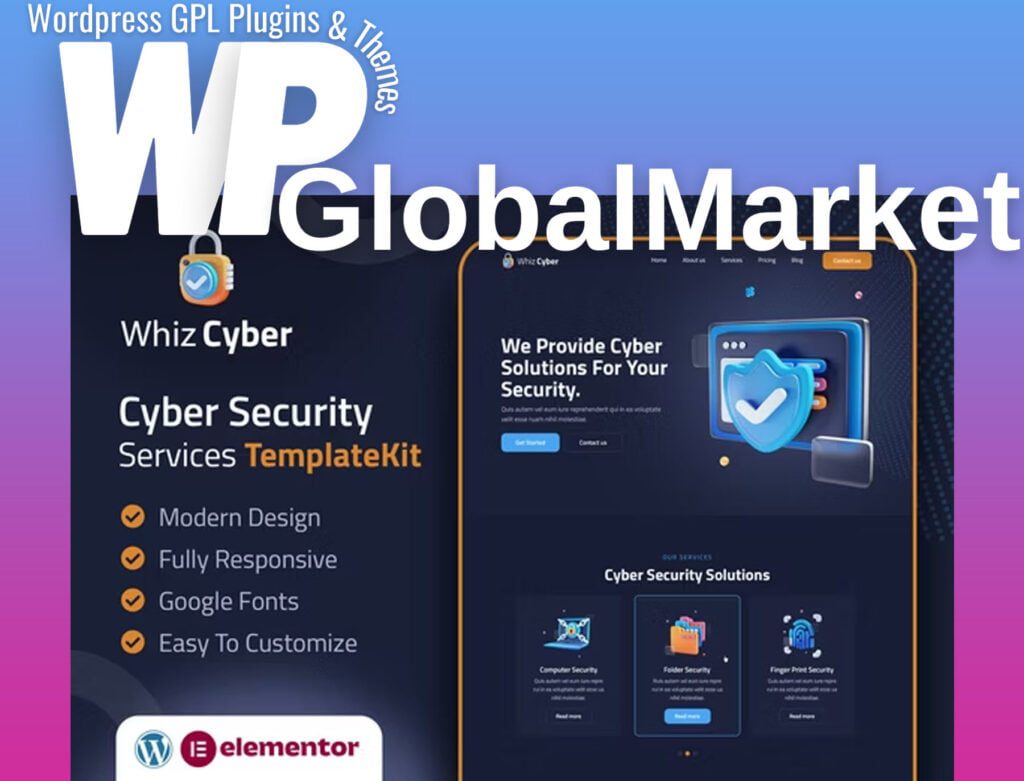
WhizCyber introduces an Elementor Template Kit meticulously crafted for Cyber Security Services. Tailored for companies specializing in computer security, network security, and web security, this kit provides a cutting-edge design that aligns with the modern landscape of cyber protection. Optimized for use with the free Hello Elementor theme, WhizCyber is versatile enough to be employed with most themes supporting Elementor.
Features:
- True no-code customization with a drag-and-drop visual builder
- Centralized customization of fonts and colors, with the option for fine-tuning individual elements
- Modern and professional design
- Fast-loading performance
- Compatibility with most Elementor themes
Required plugins installed with the kit:
- Elementor
- ElementsKit Lite
- MetForm
- Premium Addons for Elementor
How to Use Template Kits:
- Install and Activate the "Envato Elements" plugin from Plugins > Add New in WordPress.
- Download your kit file and do not unzip.
- Go to Elements > Installed Kits and click the Upload Template Kit button. Alternatively, import automatically by clicking Connect Account to link your Elements subscription, then import under Elements > Template Kits.
- Check for the orange banner at the top and click Install Requirements to load any plugins the kit uses.
- Click Import on the Global Kit Styles first.
- Click Import on one template at a time, stored in Elementor under Templates > Saved Templates.
- Go to Pages, create a new page, and click Edit with Elementor.
- Click the gear icon at the lower-left of the builder to view page settings and choose Elementor Full Width while hiding the page title.
- Click the gray folder icon to access the My Templates tab and then Import the page you'd like to customize.
- If you have Elementor Pro, customize headers and footers under Theme Builder.
How to Import Metforms:
- Import the metform block templates.
- Import the page template where the form appears and right-click to enable the Navigator.
- Locate and select the Metform widget, click Edit Form, choose New, then Edit Form. The builder will appear.
- Click the ‘Add Template’ grey folder icon.
- Click the ‘My Templates’ tab.
- Choose your imported metform template, then click ‘Insert’ (click No for page settings).
- Once the template is loaded, make any desired customizations and click ‘Update & Close.’ The form will appear in the template.
- Click Update.
Setting up Global Header and Footer in ElementsKit:
- Import the header and footer template.
- Go to ElementsKit > Header Footer and click Add New. If prompted with a wizard, click Next through it without taking any action.
- Title the header, leave Entire Site selected, and toggle Activation to On.
- Click the gray Edit Content button to load the builder.
- Click the gray folder icon, select the header template to import, choose your menu in the nav element, and click Update.
- Repeat the process for the Footer.
Note: This Template Kit uses demo images from Envato Elements. You need to license these images from Envato Elements to use them on your website or substitute them with your own.