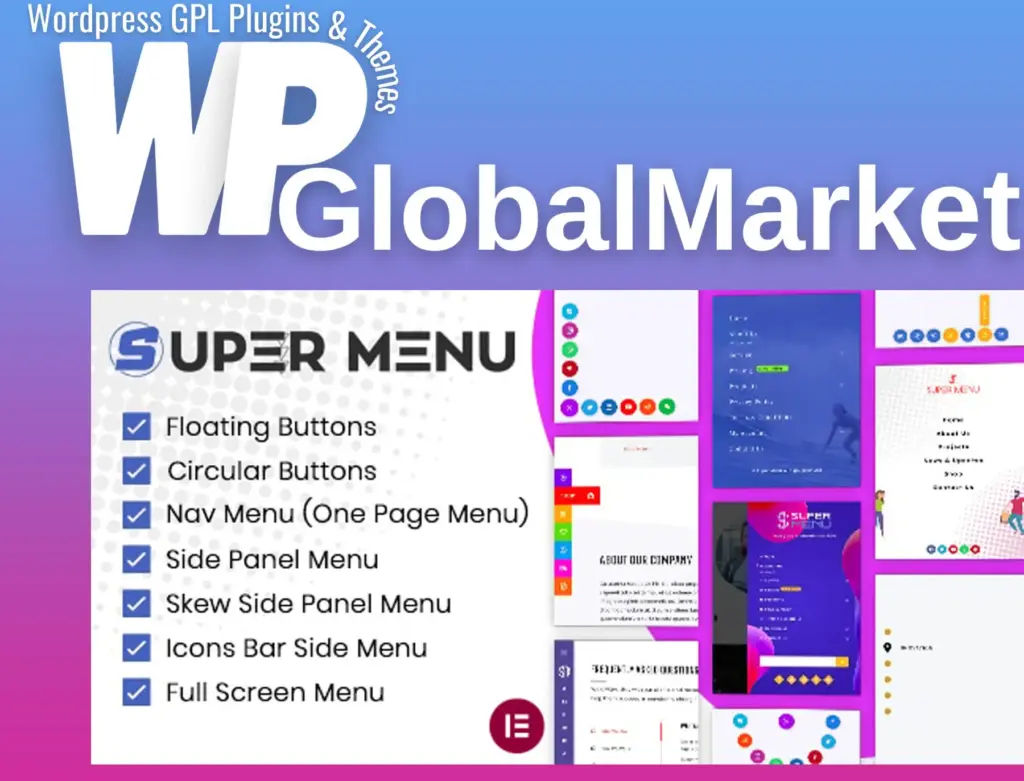
Super Floating and Fly Menu
100% Original Content
All our products are 100% original and obtained directly from the respective developers. We do not modify, alter, or inject any code, ensuring you receive authentic, untouched premium files for your professional projects.
Safe & Secure Files
Your security is our top priority. Every file in our library is scanned daily using advanced premium security tools to guarantee they are 100% free from malware, viruses, or hidden scripts that could harm your website.
Lifetime Updates
Never worry about your website becoming outdated. Once you purchase, you receive access to all future versions and updates. You can easily track and download new releases directly from your personal dashboard.
GPL Licensed & Legal
All items are distributed under the General Public License (GPL). This provides you the legal freedom to use these official products on as many websites as you wish without any restricted domains or limitations.
Product Description
The Super Floating and Fly Menu (SFFM) plugin enhances your WordPress site’s navigation, offering a user-friendly interface that makes it easier for visitors to explore your content. With options for floating and fly-out menus, SFFM provides flexibility and functionality to improve user engagement and streamline navigation.
Key Features:
Floating Menu
- 10 Pre-Built Templates: Choose from 10 ready-made templates for a quick setup, allowing you to display your menu design effortlessly.
- 3 Circular Menu Options: Create a circular floating menu with options for quarter, half, or full circular layouts. Customize the design according to your preferences.
- Trigger Icon Type: Select from various trigger icons, including font icons, images, or the classic hamburger icon to initiate the menu.
- 5000+ Pre-Designed Menu Icons: Access a vast library of icons to personalize your menu.
- 16 Hamburger Icon Types: If using a hamburger icon, you can select from 16 different styles to fit your site's aesthetic.
- Menu Animation Effects: Enhance user experience with animations for circular menus and hover effects for trigger buttons.
- 11 Button Shapes: Choose from button shapes like square, round, triangle, star, and more to fit your design.
- 8 Different Menu Positions: Strategically position your sticky menu to keep it accessible and visible.
- Selective Menu Display: Control where the floating menu appears across your site, showing or hiding it as needed.
- Create Unlimited Floating Menus: Flexibly create and customize as many floating menus as you require.
- Configure Each Menu Item/Button: Tailor the settings of individual menu items to match your specific needs.
- Import/Export Templates: Save time by exporting settings from one menu and importing them into another.
- Unlimited Color Variations: Customize colors to match your branding.
- Advanced Typography Options: Set typography settings for an enhanced visual appearance.
- Social Media Menu Creation: Easily create menus for social media links.
- Responsive Design: Ensure the menu looks great on desktop, tablet, and mobile devices.
Fly-Out / Off-Canvas Menu
- 4 Different Menu Types: Choose from side panel menu, skew side panel menu, full-screen menu, and nav icon menu.
- Trigger Button Types and Shapes: Use font icons, image icons, or a hamburger icon for your trigger button, with options to hide the button if desired.
- Hover and Idle Animation Effects: Enhance interaction with idle animations and hover effects.
- Menu Trigger Class: Create custom links, icons, or buttons that trigger the menu panel.
- Selective Display of Menu on Pages: Decide where the fly menu appears, giving you control over visibility across different pages.
- Custom Content: Modify the content of your fly-out menu for complete customization.
- Design with Elementor: Use Elementor for easy customization of the off-canvas menu.
- Import/Export Feature: Transfer settings between menus effortlessly and use pre-made templates.
- Unlimited Menus: Create as many menus as you need for your site.
- Custom Menu Header Image: Add a unique header image to your menu for branding purposes.
- Add Search Form and Social Icons: Integrate search functionality and social media icons directly in your menu.
- Video Menu Background: Add a dynamic touch with a video background for your menu.
- Advanced Settings for Menu Toggle Button: Fine-tune the toggle button’s functionality.
- Color Customizations for Social Icons: Ensure social icons align with your site’s color scheme.
Conclusion
The Super Floating and Fly Menu plugin is an essential tool for enhancing navigation on your WordPress site. With a plethora of customization options and user-friendly features, it empowers you to create an engaging and efficient browsing experience for your visitors.
Best-Selling Products
View All