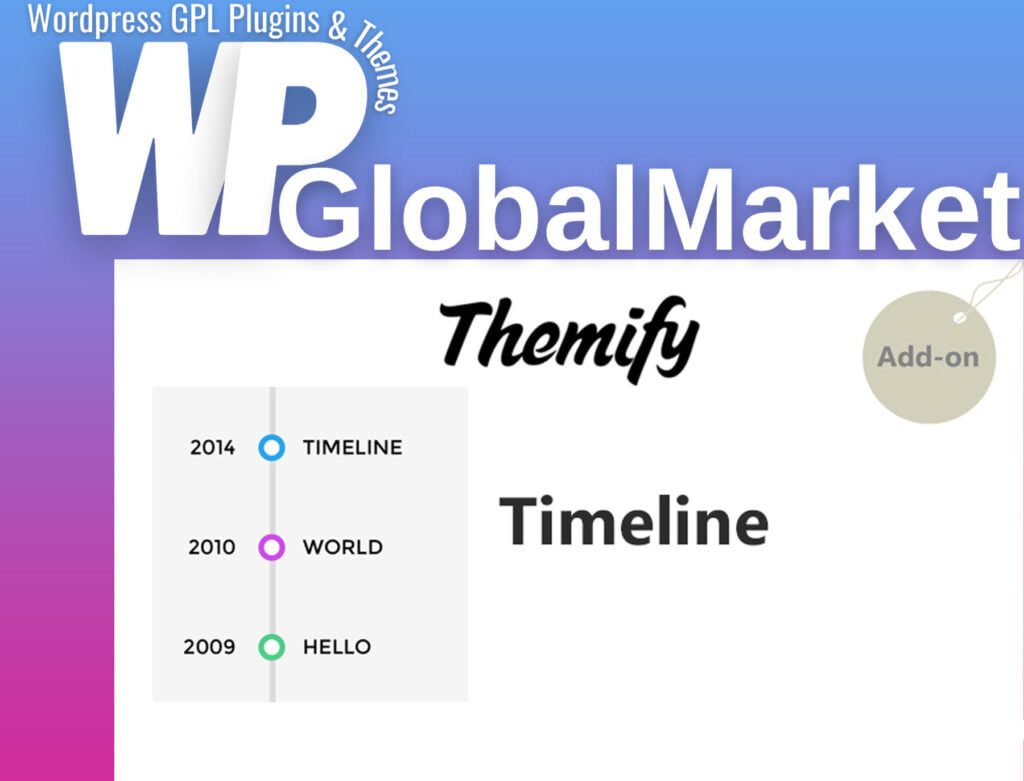
Themify Builder Timeline
100% Original Content
All our products are 100% original and obtained directly from the respective developers. We do not modify, alter, or inject any code, ensuring you receive authentic, untouched premium files for your professional projects.
Safe & Secure Files
Your security is our top priority. Every file in our library is scanned daily using advanced premium security tools to guarantee they are 100% free from malware, viruses, or hidden scripts that could harm your website.
Lifetime Updates
Never worry about your website becoming outdated. Once you purchase, you receive access to all future versions and updates. You can easily track and download new releases directly from your personal dashboard.
GPL Licensed & Legal
All items are distributed under the General Public License (GPL). This provides you the legal freedom to use these official products on as many websites as you wish without any restricted domains or limitations.
Product Description
The Themify Builder Timeline Module is a versatile tool that enables you to present your posts or texts in a distinctive way. This module provides the flexibility to create either list view or timeline graph layouts, offering a unique and engaging way to showcase chronological content. Here are the key features and capabilities of the Timeline Module:
Key Features:
- List View or Timeline Graph:
- Choose between list view or timeline graph layouts for displaying your posts or texts. This flexibility allows you to tailor the presentation style to your preferences.
- Sorting Options:
- Sort your posts or texts based on various criteria, including ID, author, date, title, modification date, and even randomly. This sorting capability enhances the customization and organization of your timeline.
- Style Customization:
- Customize the style of your text to match your website's design. This includes options to adjust font styles, colors, and other text-related attributes.
- Image Size Customization:
- Tailor the size of your images within the timeline. This customization option ensures that the visual elements align with your overall design preferences.
How It Works:
- Choose Layout Type:
- Decide whether you want a list view or a timeline graph layout for your posts or texts.
- Select Sorting Criteria:
- Specify the sorting criteria for your timeline. Choose from options such as ID, author, date, title, modification date, or random order.
- Customize Text Style:
- Customize the style of your text to ensure it aligns with the visual aesthetics of your website. This includes adjusting font styles, colors, and other relevant attributes.
- Adjust Image Size:
- Tailor the size of the images within the timeline to achieve the desired visual impact.
Conclusion:
The Themify Builder Timeline Module offers a creative and organized way to present chronological content on your website. Whether you opt for a list view or timeline graph layout, the module provides sorting options, text style customization, and image size adjustments for a personalized and visually appealing presentation. This tool enhances the user experience by offering a unique way to navigate through your posts or texts. With its user-friendly interface, the Timeline Module is a valuable addition to Themify Builder, empowering you to create engaging and well-organized timelines effortlessly.
Best-Selling Products
View All