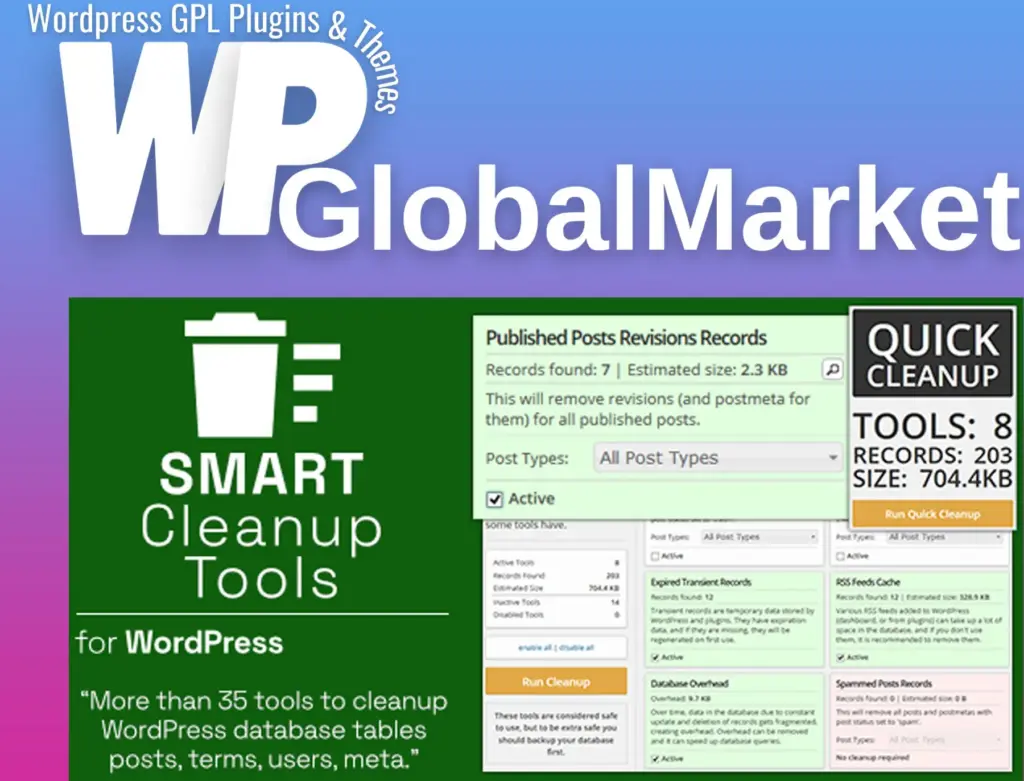
Smart Cleanup Tool
100% Original Content
All our products are 100% original and obtained directly from the respective developers. We do not modify, alter, or inject any code, ensuring you receive authentic, untouched premium files for your professional projects.
Safe & Secure Files
Your security is our top priority. Every file in our library is scanned daily using advanced premium security tools to guarantee they are 100% free from malware, viruses, or hidden scripts that could harm your website.
Lifetime Updates
Never worry about your website becoming outdated. Once you purchase, you receive access to all future versions and updates. You can easily track and download new releases directly from your personal dashboard.
GPL Licensed & Legal
All items are distributed under the General Public License (GPL). This provides you the legal freedom to use these official products on as many websites as you wish without any restricted domains or limitations.
Product Description
Smart Cleanup Tools is a comprehensive and user-friendly plugin designed to optimize WordPress databases by removing unnecessary or obsolete data. With 37 powerful tools, it enhances performance, reduces database size, and improves site speed. This plugin supports WordPress multisite and is especially useful after prolonged database usage, saving significant space by cleaning up unwanted records.
Key Features:
- Efficient Database Cleanup:
- Removes junk data such as orphaned records, old revisions, and expired transients, freeing up valuable database space and improving overall performance.
- Quick One-Click Cleanup:
- Offers a one-click cleanup option for immediate database optimization, showing an overview of active tools, records found, and estimated space to be recovered.
- 19 Cleanup Tools:
- Remove orphaned records, WooCommerce sessions, cached postmeta, auto-drafts, trashed posts, spammed comments, RSS cache, database overhead, and more.
- These tools can be individually disabled or configured via the settings panel.
- 14 Removal Tools:
- Delete data that might no longer be necessary, such as unapproved comments, unattached media files, draft posts, missing taxonomies, and Akismet logs.
- Backup is recommended before using these tools, as they permanently delete data.
- 4 Reset Tools:
- Reset certain database elements to their default values, including post edit locks, sidebars, rewrite rules, and plugin data.
- Useful when changing themes or fixing permalink issues.
- Scheduled Jobs:
- Allows for scheduled cleanups, either as a one-time task or on a recurring basis. Cleanup reports can be saved to files for future reference.
- Import/Export Settings:
- You can export plugin settings and scheduled job configurations into a file for later import, simplifying the migration process.
- WordPress Toolbar Integration:
- Provides quick access to cleanup options via the WordPress toolbar for faster execution.
- Logs and Reports:
- Logs all SQL queries executed during cleanup and scheduled jobs. It also gathers statistical data for space saved and other metrics.
- Multisite Support:
- Handles multisite WordPress installations, with specific tools for network administration.
List of Cleanup Tools (v5.0):
- Remove WooCommerce sessions
- Remove orphaned terms and relationships
- Remove expired transients
- Remove auto-drafts, trashed, and spammed posts
- Remove orphaned postmeta and comment meta
- Remove orphaned comments and RSS feeds cache
- Remove empty user meta and transient records
- Remove database overhead (supports multisite)
List of Removal Tools (v5.0):
- Remove unapproved comments
- Remove postmeta and comment meta with no value
- Remove draft posts and unattached media
- Remove attachments missing files/parent posts
- Remove missing post types and taxonomy terms
- Remove Akismet comment logs
- Remove pingback comments
List of Reset Tools (v5.0):
- Remove all post edit locks
- Reset all sidebars
- Reset rewrite rules
- Reset plugins data and statistics
Why Use Smart Cleanup Tools?
- Boost Site Performance: Reduces the size of the database, making queries faster and improving page load times.
- Free Up Database Space: Cleans up unnecessary data, saving space and ensuring smoother operations.
- Automated Cleanups: Schedule jobs to automatically clean your database, keeping it optimized without manual intervention.
- Multisite Compatibility: Manage cleanup for both single-site and multisite WordPress installations.
This plugin is ideal for WordPress administrators who want to maintain a clean, efficient, and optimized database while simplifying the cleanup process.
Best-Selling Products
View All