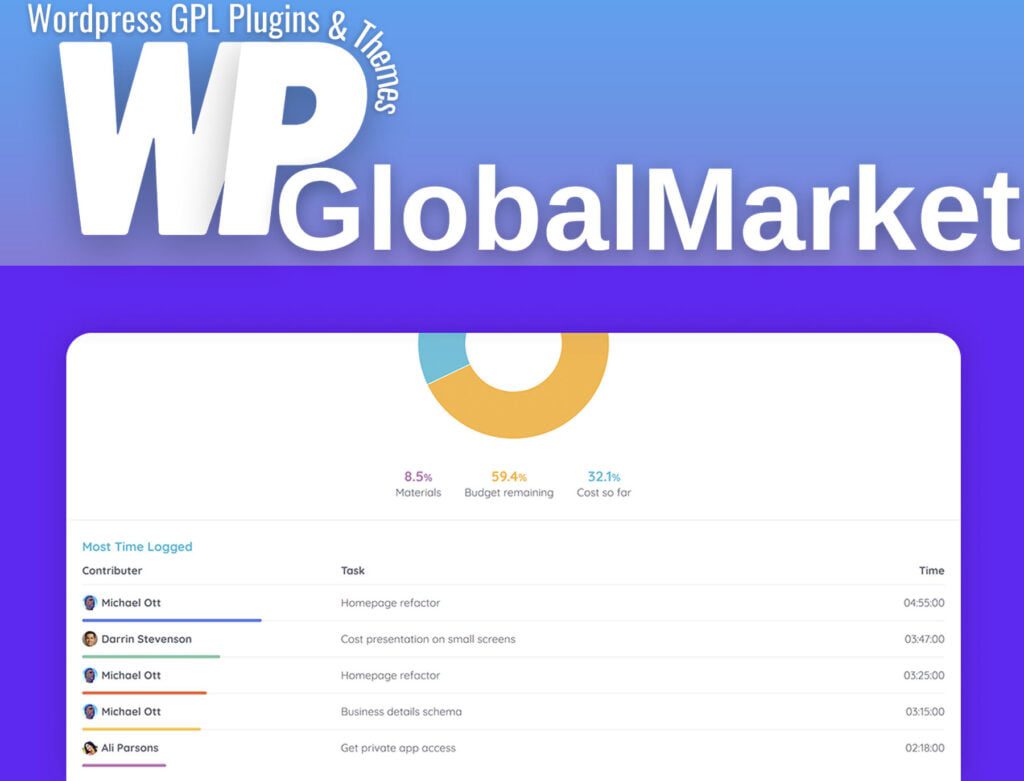
Reports Pro for wProject
100% Original Content
All our products are 100% original and obtained directly from the respective developers. We do not modify, alter, or inject any code, ensuring you receive authentic, untouched premium files for your professional projects.
Safe & Secure Files
Your security is our top priority. Every file in our library is scanned daily using advanced premium security tools to guarantee they are 100% free from malware, viruses, or hidden scripts that could harm your website.
Lifetime Updates
Never worry about your website becoming outdated. Once you purchase, you receive access to all future versions and updates. You can easily track and download new releases directly from your personal dashboard.
GPL Licensed & Legal
All items are distributed under the General Public License (GPL). This provides you the legal freedom to use these official products on as many websites as you wish without any restricted domains or limitations.
Product Description
The Reports Pro plugin for wProject offers various functionalities and features to enhance project management and reporting within WordPress. Here's an overview of its key aspects:
Functionality:
- Enables users to view reports associated with specific projects.
- Provides the ability to generate and print attractive PDF reports.
- Allows exporting tasks associated with a project to CSV format.
Viewing Reports:
- To access the report for a project, navigate to the project page and click on the "Report" option in the right pane.
Installation:
- Via FTP: Unzip the downloaded reports-pro.zip file and upload the extracted 'reports-pro' folder to the wp-content/plugins directory using an FTP client. Activate the plugin through the Plugins section in WordPress admin.
- WordPress Upload Interface: In WordPress admin, go to Plugins -> Add New -> Upload Plugin. Select the reports-pro.zip file, follow the on-screen instructions to upload and activate the plugin.
License Key:
- Access the Reports Pro License section in WordPress admin to enter and activate your license key. This step is necessary for configuration and usage of the Reports Pro plugin.
Settings:
- Once the license key is activated, navigate to the wProject settings. You will find Reports Pro listed in the navigation under the Pro Addons section.
Pricing and Renewal:
- The plugin purchase can be either a one-time payment or an annual subscription, based on your preference.
- After twelve months from the initial purchase, there's an option to renew the support license, but it's not mandatory.
- If the support license is not renewed, the product will continue to function without limitations but won't receive updates or support until the license is renewed.
This plugin provides users with enhanced reporting capabilities for projects within WordPress, offering flexibility in pricing and support renewal options.
Best-Selling Products
View All