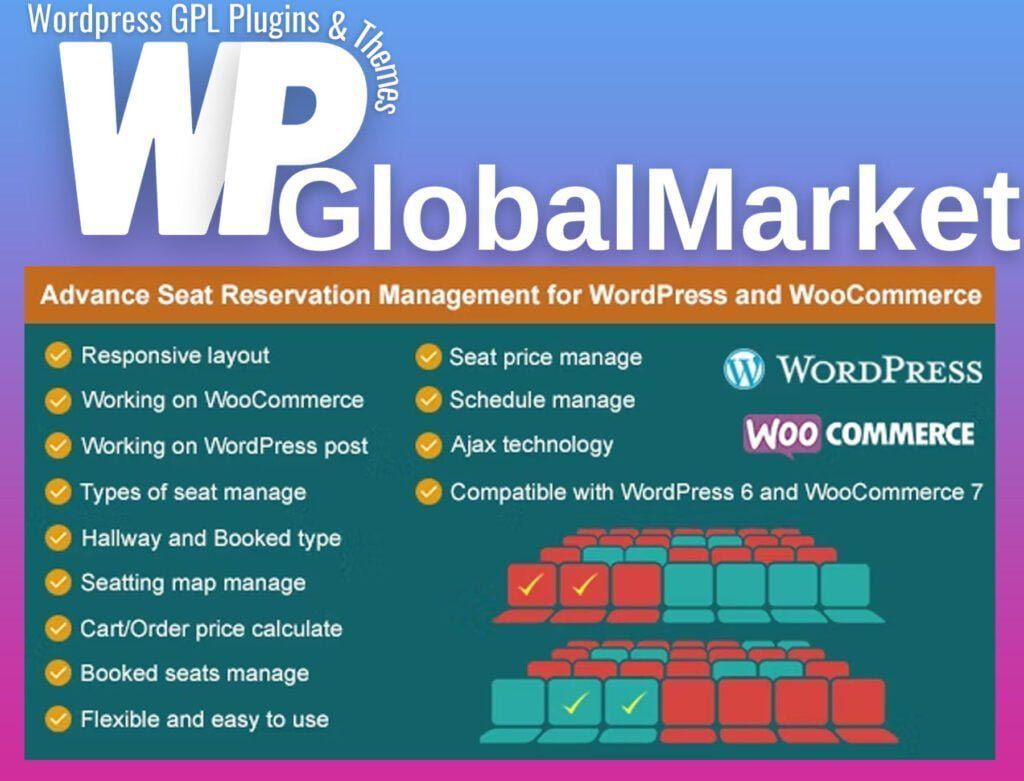
Advance Seat Reservation Management for WooCommerce
100% Original Content
All our products are 100% original and obtained directly from the respective developers. We do not modify, alter, or inject any code, ensuring you receive authentic, untouched premium files for your professional projects.
Safe & Secure Files
Your security is our top priority. Every file in our library is scanned daily using advanced premium security tools to guarantee they are 100% free from malware, viruses, or hidden scripts that could harm your website.
Lifetime Updates
Never worry about your website becoming outdated. Once you purchase, you receive access to all future versions and updates. You can easily track and download new releases directly from your personal dashboard.
GPL Licensed & Legal
All items are distributed under the General Public License (GPL). This provides you the legal freedom to use these official products on as many websites as you wish without any restricted domains or limitations.
Product Description
The "Advance Seat Reservation Management for WooCommerce" plugin provides a comprehensive solution for managing seat reservations in various types of businesses such as cinemas, theaters, events, transportation and more. Here is a breakdown of its features:
- Seating Profiles Creation: Admin can create various seating profiles (e.g., room 1, room 2, vehicle 1, vehicle 2) suitable for different types of venues or transportation.
- Customization of Seat Types: Within each profile, the admin can define different seat types (e.g., VIP, Standard, Free) and designate specific seats as "booked" or available.
- Seat Mapping: Creation of seat maps based on specified profiles, allowing admin to allocate seat types and customize seat labels (column and row labels).
- Product Integration: Integration of seat profiles with WooCommerce products, enabling the setting of seat prices for each type within the product edit page.
- Frontend Seat Selection: Customers can view and select available seats from the frontend product page, adding their preferred seats to the shopping cart. Seat prices are calculated and displayed during selection.
- Order Completion and Display: Booked seats are displayed in the order details within the backend after customers complete their orders. This information is also visible in the product edit and My Account pages on the frontend.
- WordPress Post Integration: Offers the option to use seat reservations within WordPress posts for simple booking scenarios. Customers can select seats, fill out a form, and submit it. The booked seat and customer information are sent to the admin's email and displayed in the post edit page in the backend.
- Installation and Configuration: Described as easy and flexible to install and configure, providing an efficient reservation management system for websites.
Overall, this plugin seems to offer a user-friendly solution for businesses that need a reservation system integrated with WooCommerce and WordPress. It covers a variety of scenarios, from complex seating arrangements for events to simpler seat reservations for posts, improving customer experience and admin management.
Best-Selling Products
View All