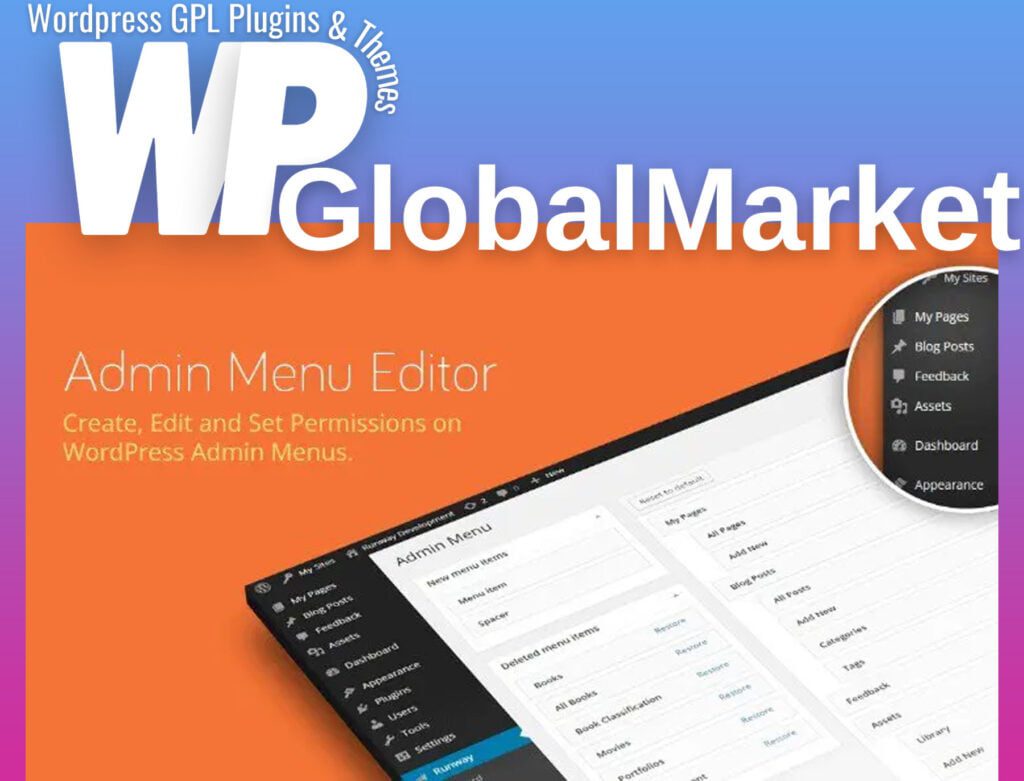
Admin Menu Editor Pro
100% Original Content
All our products are 100% original and obtained directly from the respective developers. We do not modify, alter, or inject any code, ensuring you receive authentic, untouched premium files for your professional projects.
Safe & Secure Files
Your security is our top priority. Every file in our library is scanned daily using advanced premium security tools to guarantee they are 100% free from malware, viruses, or hidden scripts that could harm your website.
Lifetime Updates
Never worry about your website becoming outdated. Once you purchase, you receive access to all future versions and updates. You can easily track and download new releases directly from your personal dashboard.
GPL Licensed & Legal
All items are distributed under the General Public License (GPL). This provides you the legal freedom to use these official products on as many websites as you wish without any restricted domains or limitations.
Product Description
Admin Menu Editor Pro is a powerful WordPress plugin that allows you to customize and manage your WordPress admin menu. Here are some of its key features:
- Hide Menus: You can hide menus based on user roles or capabilities. Simply select a user role, uncheck the items you want to hide, and check the items you want to show. This allows you to customize the admin menu for different user roles without altering their roles.
- Organize with Drag and Drop: Easily rearrange the menu items by dragging and dropping them. You can move items from one submenu to another or even create top-level links for specific plugins or features.
- 600+ Menu Icons: The plugin offers a collection of over 600 menu icons, including Dashicons and FontAwesome icons. You can also add your own icons by uploading PNG or GIF files and specifying the icon's URL.
- Modify Menu Colors: Customize the background, text, icon, and highlight colors for the menu items. You can apply these color changes to the entire admin menu or specific items.
- Create Custom Menu Items: Build custom menu items that can link to specific pages or external URLs. You can also create non-clickable elements, such as section headers, to organize complex admin menus.
- Open in Tab or Iframe: If you need to embed external services or pages within the WordPress admin, you can choose to open them in a tab or iframe for a seamless user experience.
- Import and Export Settings: Easily export your admin menu settings to a file for backup or import them into another site. This is useful when you want to replicate your menu configurations.
- Hide Plugins: Remove unnecessary entries from the 'Plugins' menu. You can hide all plugins or specific items based on roles or capabilities.
- Branding Options: The Branding add-on allows you to rebrand WordPress with your own identity. You can replace the WordPress logo, customize the login page, change the admin color scheme, hide the WordPress version, and more.
- Admin Bar Customization: The Toolbar Editor add-on lets you customize the WordPress Admin Bar (Toolbar). You can hide items, change their order, rename them, and organize recent links as needed.
Admin Menu Editor Pro is a versatile tool for WordPress administrators to tailor the admin experience for themselves and their users, making it more user-friendly and organized.
Best-Selling Products
View All