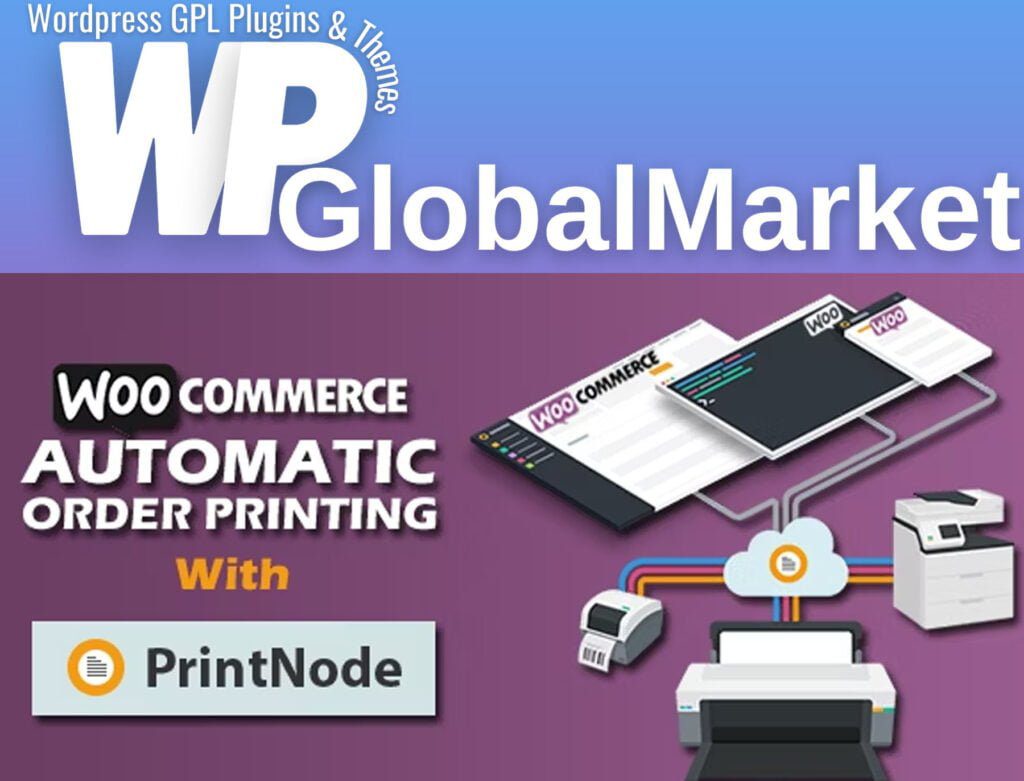
Woocommerce Automatic Order Printing | ( Formerly WooCommerce Google Cloud Print)
100% Original Content
All our products are 100% original and obtained directly from the respective developers. We do not modify, alter, or inject any code, ensuring you receive authentic, untouched premium files for your professional projects.
Safe & Secure Files
Your security is our top priority. Every file in our library is scanned daily using advanced premium security tools to guarantee they are 100% free from malware, viruses, or hidden scripts that could harm your website.
Lifetime Updates
Never worry about your website becoming outdated. Once you purchase, you receive access to all future versions and updates. You can easily track and download new releases directly from your personal dashboard.
GPL Licensed & Legal
All items are distributed under the General Public License (GPL). This provides you the legal freedom to use these official products on as many websites as you wish without any restricted domains or limitations.
Product Description
Woocommerce Automatic Order Printing | ( Formerly WooCommerce Google Cloud Print)
The WooCommerce Automatic Order Printing plugin streamlines the process of printing order invoices and packing slips for WooCommerce store owners. It achieves this automation using PrintNode as its backbone.
Here's how it works:
- When an order is placed in your WooCommerce store, the plugin automatically sends the configured packing slips and invoices to PrintNode.
- PrintNode then takes care of sending these print jobs to your configured printers to produce the actual printed documents.
This plugin supports a wide range of printers, making it compatible with many major brands, including:
- Canon
- Dymo
- Brother
- HP
- Epson
- Mettler Toledo
- Stamps
- Zebra
- Oki
- And many more
General Options:
You can configure various general options, including:
- Shop Name: Input your store's name.
- Shop Address: Provide your store's address.
- Print Size: Choose the paper size for printing.
- Paper Orientation: Select your desired print orientation.
- Use PrintNode: Check this box to enable PrintNode for automatic order printing.
- Only Print After Payment: Specify the payment gateways for which orders should print only after the payment is complete. Leave this blank if you want to print orders immediately when placed.
- Sample Order: Select a sample order for testing and printing.
- Header Logo: Set your store's logo for the header of printed documents.
- Footer: Include any additional footer content, such as terms and conditions or policies.
- Enable/Disable: Enable or disable printing logs for monitoring and record-keeping purposes.
In summary, the WooCommerce Automatic Order Printing plugin greatly simplifies the process of order document printing for WooCommerce store owners by automating the steps involved and sending print jobs to the printers configured in your system via PrintNode. This can save time and improve efficiency, especially when dealing with multiple orders.
Best-Selling Products
View All